App Design Is Evolving Fast. Can Flutter Keep Up?

Summary
App design is shifting toward AI-native, multimodal, and adaptive experiences that demand real-time responsiveness and personalization. Traditional frameworks are struggling to keep pace, but Flutter is evolving with cross-platform fidelity, AI-assisted tooling, and flexible architecture to meet modern expectations.
Key insights:
AI-Native Interfaces: Apps now adapt in real time, using predictive context and intent-aware design to reshape UI dynamically.
Multimodal Interactions: Users expect seamless switching across voice, touch, text, and visuals, requiring fluid input handling.
Cross-Platform Evolution: Frameworks like Flutter enable unified, responsive UI across platforms without sacrificing fidelity.
Traditional Framework Gaps: Legacy UI systems fall short due to static structures, slow iteration, and poor adaptability.
Flutter’s AI Integration: Tools like the Dart MCP Server bring AI into the dev loop, enhancing productivity and code quality.
Future-Proof Design: Flutter’s modular, accessible, and high-performance architecture supports fast iteration and evolving needs.
Introduction
App design has started to enter a new transformative phase, one that is driven by AI-powered interactions, multimodal inputs, platform convergence, real-time adaptive UI, and deeply context-aware personalization. Apps are no longer static experiences; they have started to become fluid systems that respond to user intent, environment, and behavior in ways that might not have been possible before. This shift not only redefines how the interfaces look; it fundamentally changes the way they are built. And as these forces reshape the expectations of modern software, frameworks like Flutter must evolve to meet these expectations.
What Is Driving This “New Era” of App Design?
1. AI-Native Interfaces
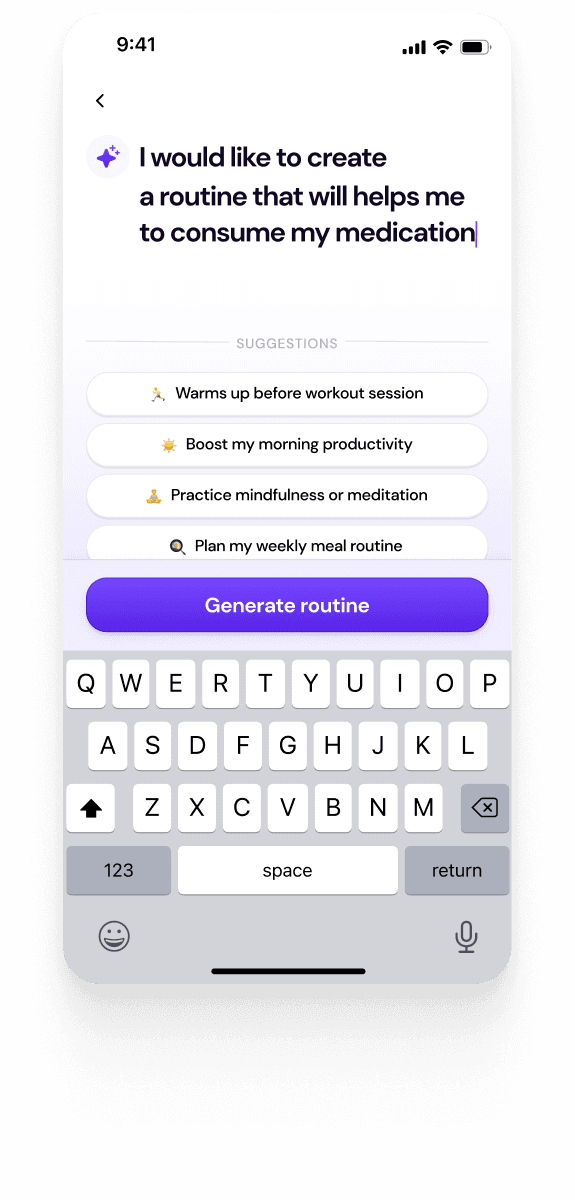
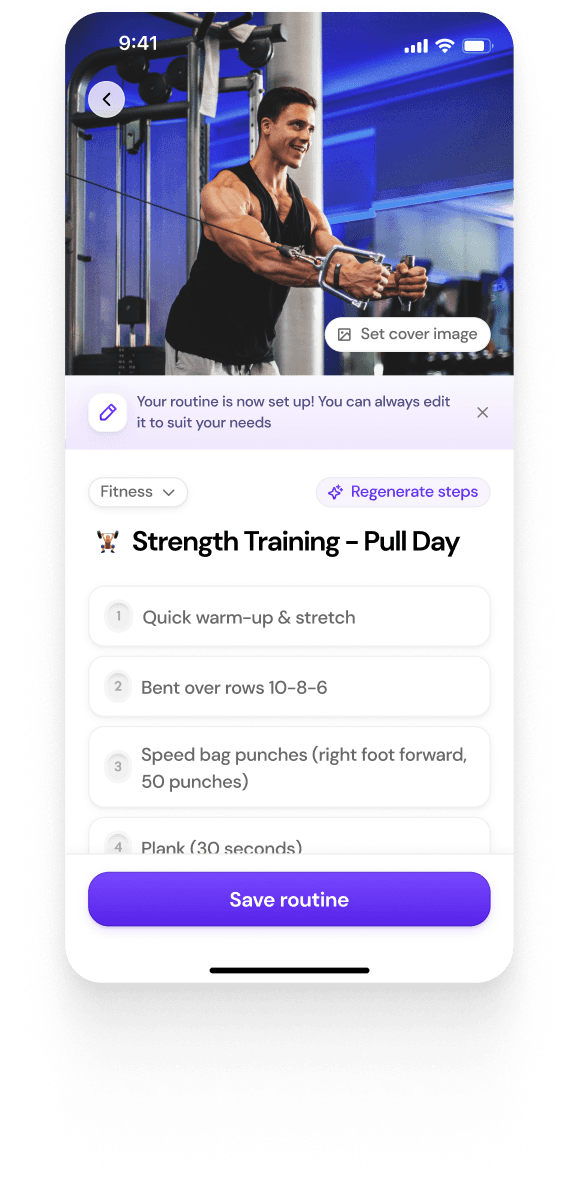
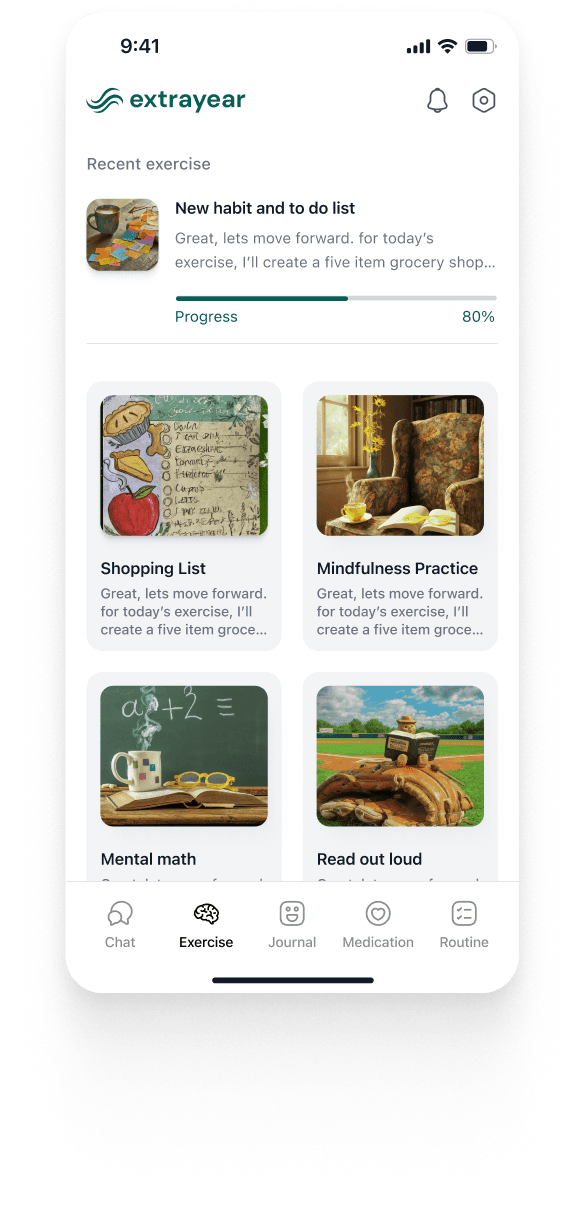
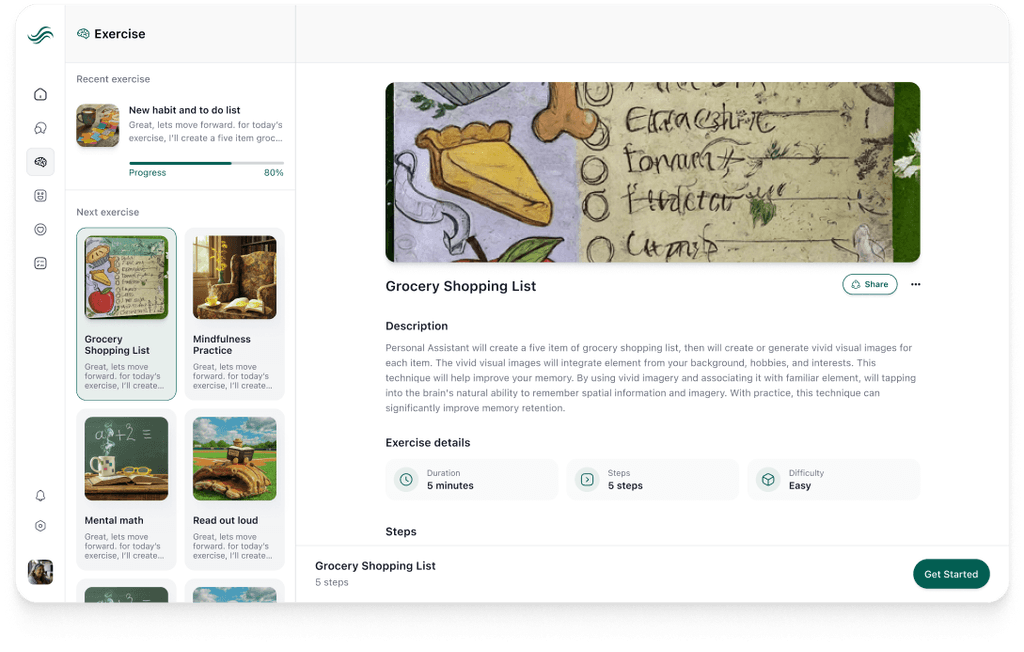
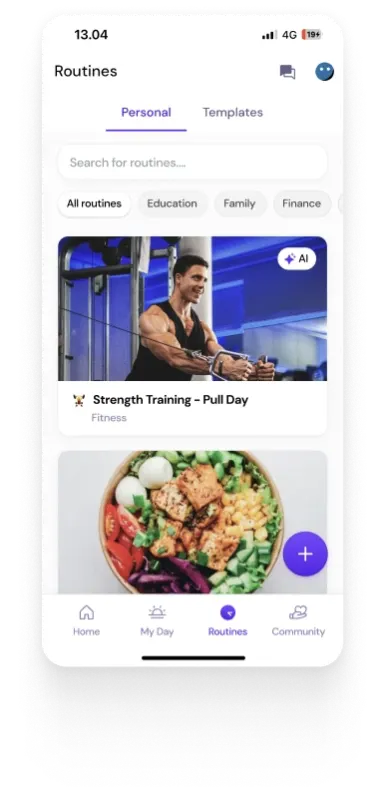
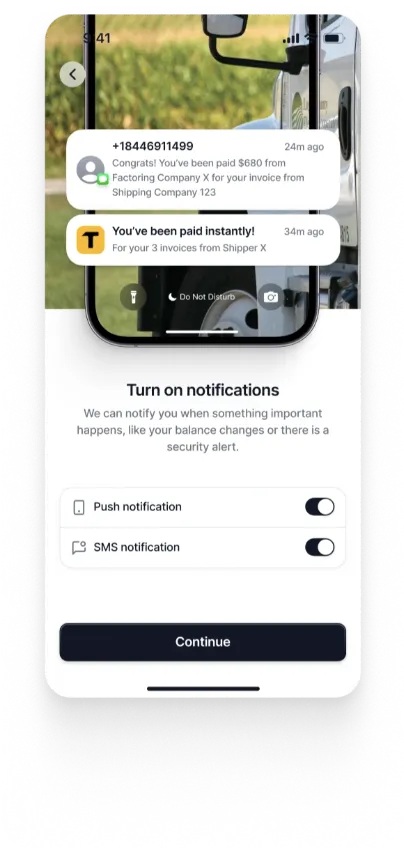
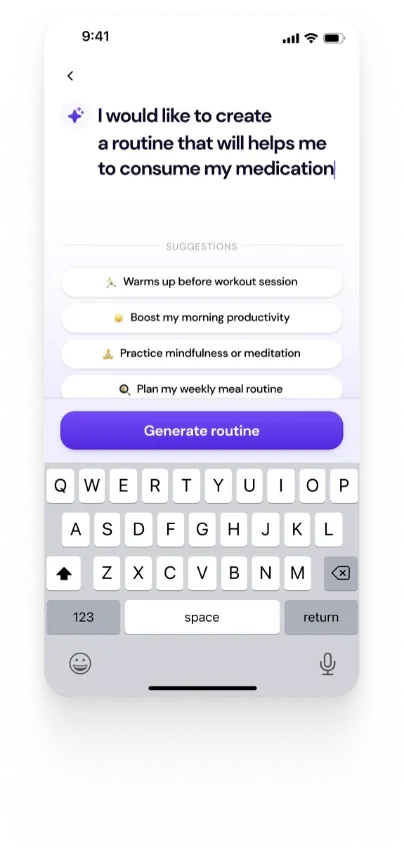
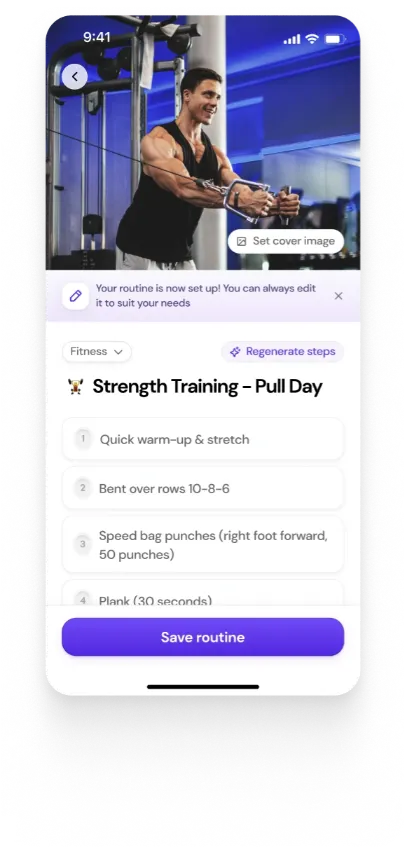
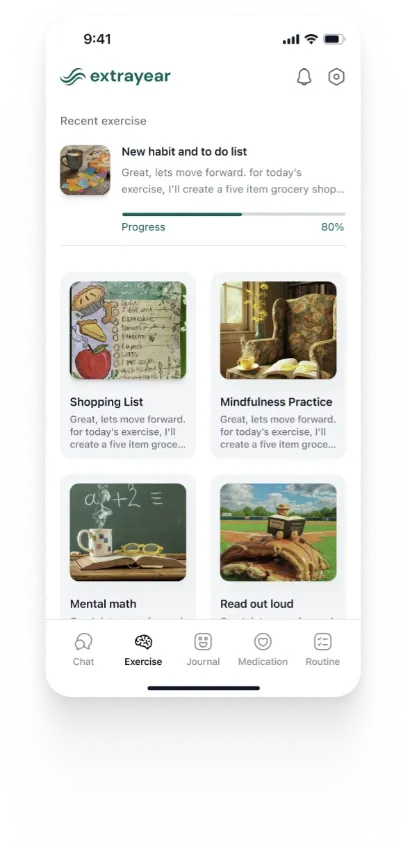
Apps have started shifting from traditional button-driven interfaces to experiences shaped by conversational and predictive context. Which means that users increasingly expect applications to understand intent, anticipate needs, and offer actions before they are explicitly sought. This leads to the arrival of new applications that can adapt in real time, changing layout, surfacing relevant options, and responding differently based on the user behavior. New tools like Vibe Studio, an AI Engineering platform, are accelerating this shift by making it easier to design interfaces that react intelligently rather than statically. In today's world, UI cannot only be a collection of widgets; it has to be a living system that interprets signals and reshapes itself around the user.
2. Multimodal Experiences
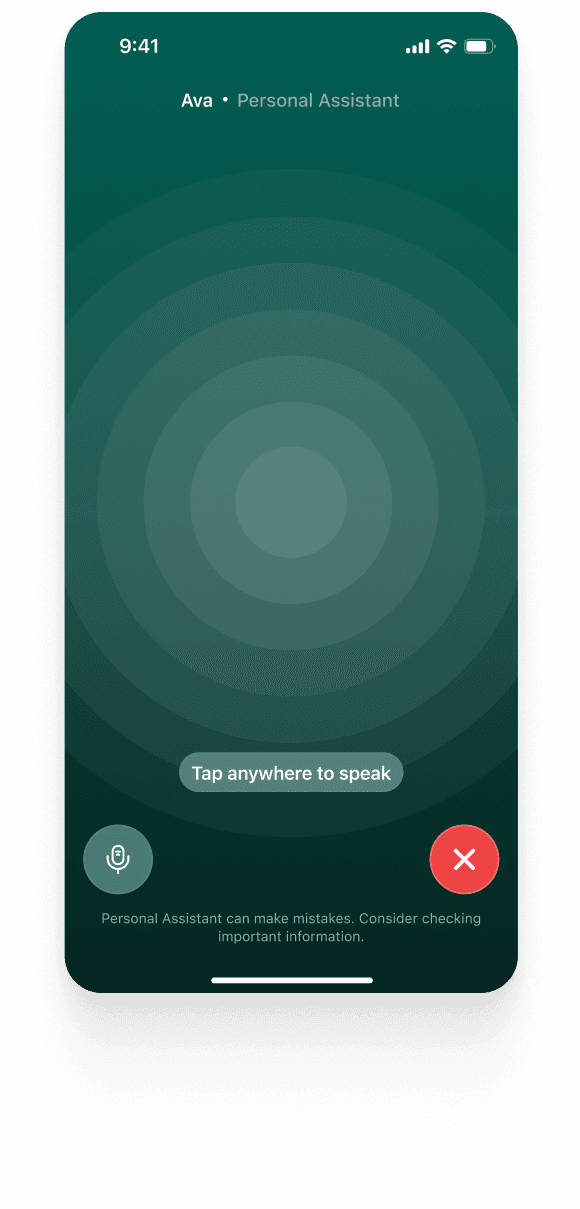
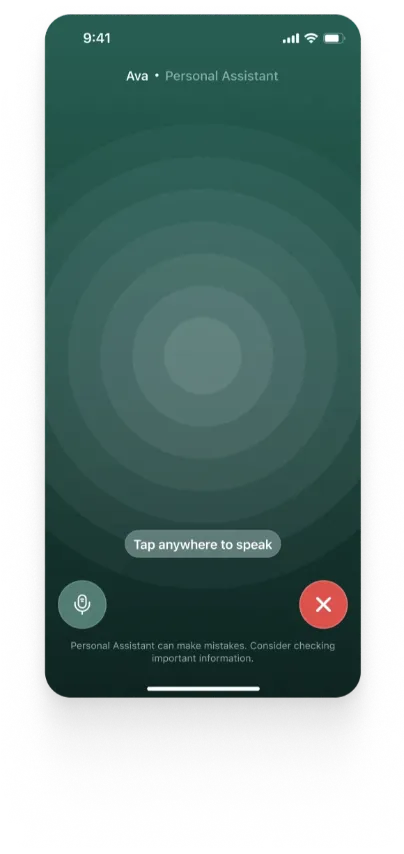
App experiences are no longer tied to a single mode of interaction. Multimodality, which was once a niche capability, is now rapidly becoming the default way users expect to interact with software. Instead of choosing between voice, text, touch, or visual prompts, users now fluidly switch between them based on convenience and context. This shift solves a major problem of traditional interfaces: single-channel interactions often break the moment the system misunderstands the user. Multimodal inputs reduce that friction by combining voice recognition with on-screen guidance, text fallback, and contextual cues that clarify intent.
This rise is not accidental. Smartphones gave us the hardware; modern conversational AI unlocked the software layer. Today’s multimodal systems fuse speech, text, visual UI, and even emotion-aware signals to interpret intent more accurately. As a result, users experience smoother flows, fewer dead ends, and a greater sense of control, whether they are navigating tasks, asking questions, or resolving issues on the go.
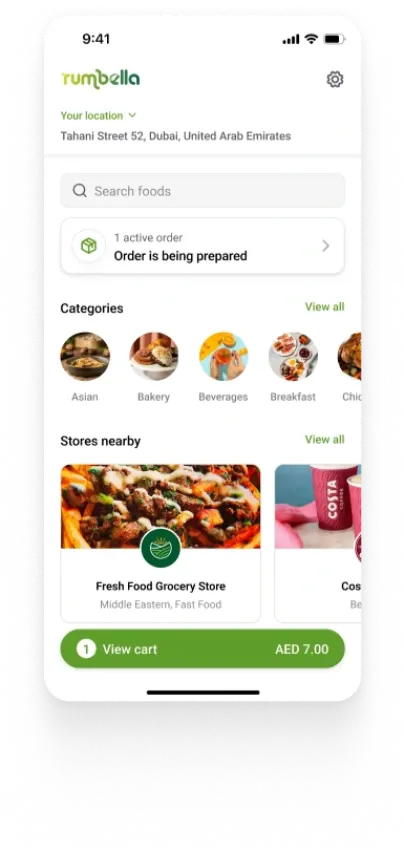
For developers, multimodality represents a deeper shift: interfaces must be designed to adapt across channels, not just across screen sizes. Apps need architectures that treat input as flexible, stateful, and sharable across modes. And as multimodal behavior becomes mainstream, from voice-plus-visual assistants to gesture-augmented mobile flows, frameworks like Flutter must be ready to orchestrate these combined interactions seamlessly, without forcing developers into rigid UI patterns.
3. Cross-Platform Fluidity
For years, cross-platform development has been driven by a simple requirement: businesses need apps that work smoothly on both iOS and Android without doubling engineering time. Traditional native development delivers the best performance, but it also demands separate codebases, separate teams, and higher long-term costs. Cross-platform frameworks solved this with shared logic and near-native UI layers, but historically, they came with trade-offs in performance, access to new features, and design fidelity.
That’s changing. Modern toolkits like Flutter, React Native, and .NET MAUI have pushed cross-platform development into a new phase where apps do not just run on multiple devices; they feel fluid across ecosystems. Flutter, in particular, transcends the old “write once, run anywhere” model by offering a unified rendering engine that produces consistent, high-quality interfaces without relying on platform-specific UI components. This means developers can ship faster, maintain a single codebase, and still achieve a native-like look and responsiveness.
But the real shift is strategic: in a world of AI-driven personalization, multimodal interaction, and rapidly evolving OS design systems, cross-platform frameworks must become more adaptable than ever. As Apple and Google introduce new design languages, and as developers create custom design systems to differentiate their brands, cross-platform UI must be flexible, modular, and easy to update independently of the core SDK. Flutter’s decoupling of Material and Cupertino libraries is exactly this kind of evolution.
Cross-platform fluidity now means more than targeting multiple devices; it means targeting multiple futures. And the frameworks that thrive will be the ones that allow developers to move quickly, adapt their design language, and meet users where they are, regardless of platform boundaries.
Why Traditional UI Frameworks Are Being Challenged
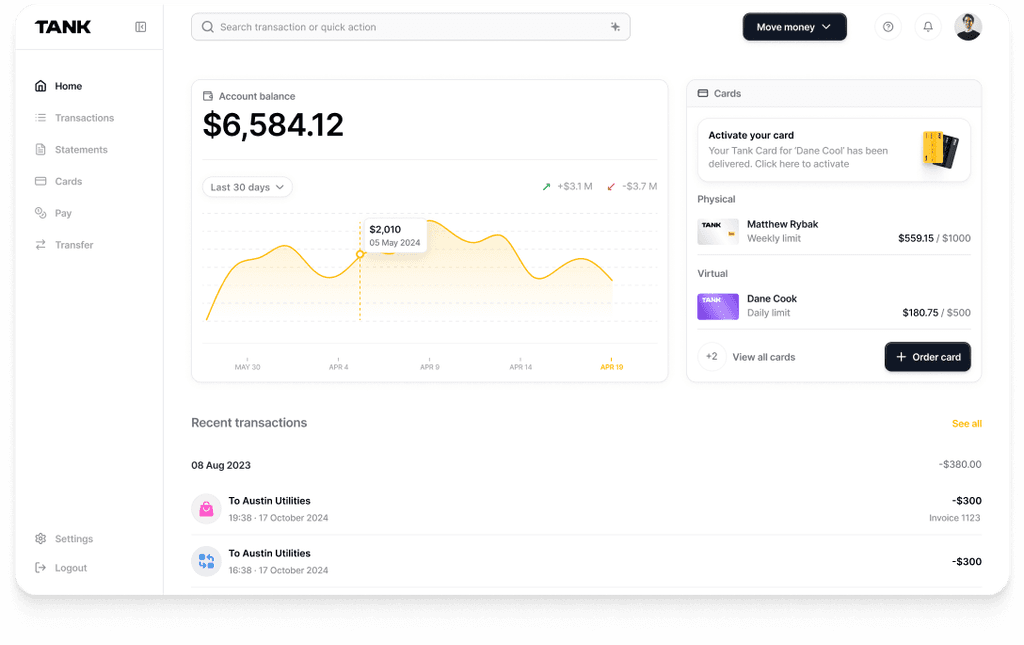
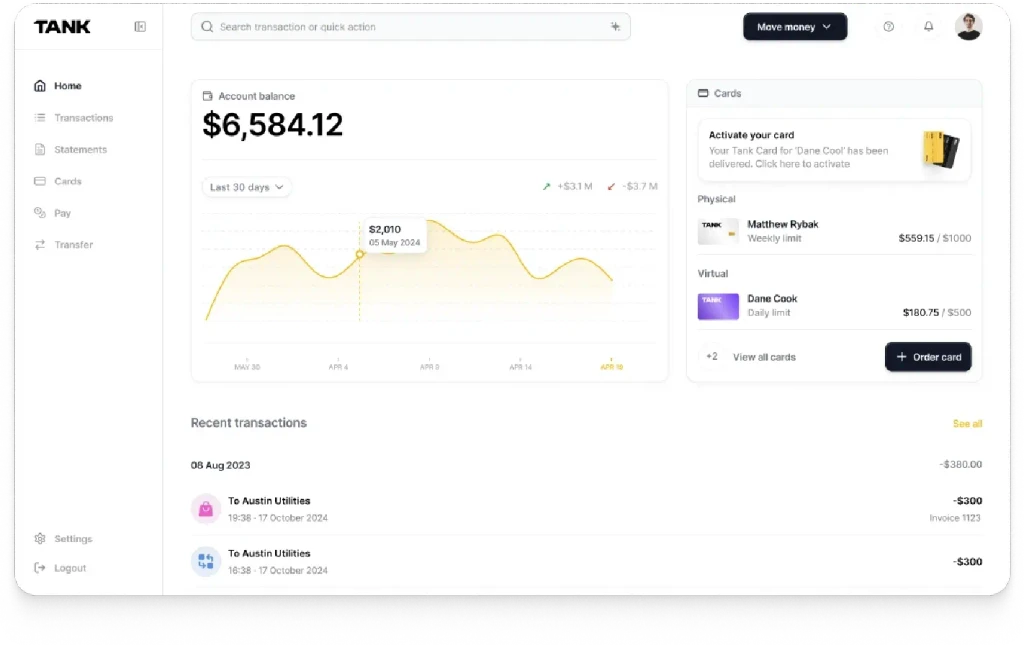
Traditional UI frameworks are being pushed to their limits because the assumptions they were built on, static widgets, predictable layouts, and linear user flows, no longer match how modern apps behave. Today’s products need interfaces that adapt in real time, respond to context, and seamlessly incorporate AI-driven interactions, yet most legacy frameworks are weighed down by slow iteration cycles, rigid component structures, and layers of boilerplate that make experimentation expensive. Add in the constant fragmentation across platforms, different design systems, different APIs, different interaction patterns, and delivering a truly consistent experience becomes even harder. As apps shift toward AI-first functionality, traditional frameworks struggle to integrate dynamic reasoning, personalization, and multimodal workflows, exposing the limitations of UI architectures built for a previous era.
Flutter’s Unique Position in This Transition
1. Rapid Iteration and Development
Flutter’s stateful hot reload allows developers to instantly see changes across applications, dramatically reducing iteration cycles compared to traditional static UI frameworks. Experimental Widget Previews take this further, letting developers visualize and test individual components in a sandboxed environment across multiple screen sizes, themes, and text scales, without needing to run the full app.
2. Cross-Platform Fidelity
Flutter enables a single codebase to run on iOS, Android, web, and desktop, eliminating platform fragmentation issues. Its Material and Cupertino libraries provide high-fidelity, platform-consistent UI elements, ensuring apps feel native while reducing the need for separate platform-specific development. The ongoing decoupling of these libraries from the core framework allows faster updates and greater community-driven enhancements.
3. Accessibility and Inclusivity
Flutter continues to improve accessibility with richer semantics for screen readers, internationalization support, and tools like SemanticsLabelBuilder and SliverEnsureSemantics for custom components. These improvements make it easier to build inclusive applications that are usable by a global audience.
4. AI-Enhanced Development
Through the Dart and Flutter MCP Server, Flutter integrates AI-assisted development directly into the workflow. AI tools can analyze widget trees, detect runtime issues, manage dependencies, and even generate or correct code automatically, significantly boosting productivity and minimizing human error.
5. Performance and Engine Optimizations
Flutter’s engine enhancements, including Impeller rendering, optimized startup times, multi-window support, and refined gesture handling, ensure smooth and responsive applications. These optimizations allow near-native performance for complex UI interactions and high-performance graphics.
6. Future-Proof Flexibility
By supporting hot reload across platforms, decoupling UI libraries, and enabling AI-assisted coding, Flutter positions itself as a future-proof framework. It overcomes the limitations of traditional static frameworks, slow iterations, heavy boilerplate, and fragmented platform differences, while empowering developers to efficiently create adaptive, accessible, and interactive applications.
Conclusion
As app design enters a dynamic era defined by AI-driven personalization, multimodal interactions, and real-time adaptive interfaces, frameworks must evolve to keep pace with rapidly shifting user expectations. Flutter stands out in this transition by combining rapid iteration through stateful hot reload and Widget Previews, cross-platform fidelity with unified rendering, accessibility and inclusivity enhancements, AI-assisted development tools, and high-performance engine optimizations. Its decoupled, modular architecture ensures developers can adapt quickly to new design languages and evolving platform capabilities. By addressing the limitations of traditional static frameworks, Flutter positions itself as a future-proof solution, enabling developers to build adaptive, intelligent, and interactive applications that meet the demands of the next generation of app experiences.
Authors




Design the Future with Flutter
Walturn helps teams harness Flutter to build AI-native, multimodal, and adaptive apps for tomorrow’s users—faster and smarter.
References
Chisholm, Kevin. “What’s New in Flutter 3.35.” Medium, Flutter, 14 Aug. 2025, blog.flutter.dev/whats-new-in-flutter-3-35-c58ef72e3766.
“Cross-Platform Mobile Development: Five Best Frameworks | SaM Solutions.” SaM Solutions, 27 Nov. 2024, sam-solutions.com/blog/cross-platform-mobile-development/.
Hartman, Stefan. “What’s a Multimodal Customer Experience? | Uniphore.” Uniphore, 16 Oct. 2023, www.uniphore.com/blog/whats-a-multimodal-customer-experience/.
Very Good Ventures. “A New Era for App Design (and What It Means for Flutter).” Verygood.ventures, 2025, www.verygood.ventures/blog/a-new-era-for-app-design-and-what-it-means-for-flutter.